Everything You Need for Secure, High-Performance Storage — a complete toolkit for backups, sync, restore and data management.
FTP, SFTP, SCP, RSYNC
WebDAV & Samba
Snapshot-Based Backup
Automated Backup Scheduling
Instant Data Restore
Online Storage Scaling
High Availability Infrastructure
Secure Authentication
Why Choose WebsHost for Storage Box?
Store and manage your data with a high-performance Storage Box built for speed, security and flexibility.
Access your files anytime using multiple protocols, protect your data with snapshots and automated backups, and scale your storage instantly as your needs grow. Perfect for backups, media storage, developers and businesses that need reliable, secure data handling.
24/7 Expert Support
High Availability Infrastructure
Instant Storage Activation
Data Backup & Recovery
Easy File Access & Management
High-Speed Data Transfer
Scalable Storage Options
Beginner-Friendly Setup
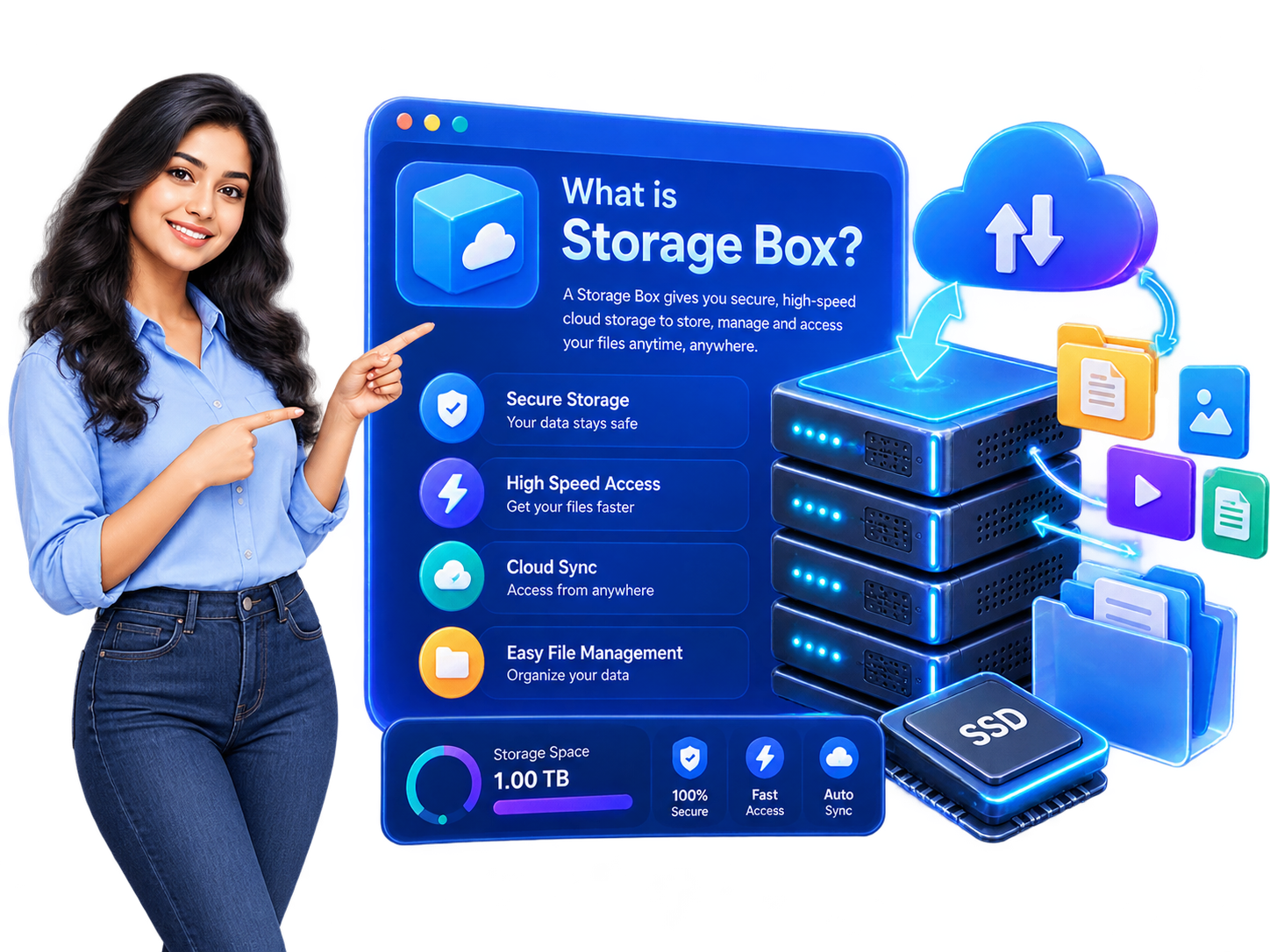
A storage box is dedicated backup storage you can use to keep server backups, website files, database dumps and archives safely outside your main server. It's not a full server — it's affordable, high-capacity space designed specifically for storing and retrieving files over standard transfer protocols, so your important data stays protected even if something happens to your primary server.
Because your backups live on separate infrastructure, a storage box is a simple, cost-effective way to follow good backup practice. If you also need a server you can control, a Storage VPS adds full root access; for scalable application storage, see our Object Storage.
Reliable off-server backups that fit your existing tools.
Dedicated Backup Storage
Keep server backups, website files, database dumps and archives on separate, high-capacity storage at a low cost per GB, so your data stays safe off your main server.
Standard Transfer Protocols
Connect using SSH/SFTP, rsync, FTP and WebDAV, so you can plug the storage box into almost any backup tool, script or workflow you already use.
Automated Off-Server Backups
Schedule automated backups with rsync, cron jobs or backup software, keeping recent off-server copies so you can restore quickly after a problem.
For Servers & Websites
Ideal for anyone running a VPS, dedicated server or website who wants reliable off-site backups — developers, agencies and businesses that cannot afford to lose data.
Easy to Scale
Start with the capacity you need and move to a larger plan as your backups grow. Need a server with root access for backups instead? See our Storage VPS.
Secure Infrastructure
Enterprise-grade servers with redundancy and continuous monitoring. SSH keys, strong passwords and ACLs protect every access to your data.
Perfect For
Built for Every Backup Workflow
From server backups to long-term archives — Storage Box fits any data protection workflow.
Server Backups
Schedule automated rsync, cron or backup software jobs to store off-site copies of your VPS or dedicated server data.
Most Popular
Website & Media Files
Store large media libraries, website backups and downloadable content with unlimited traffic and fast transfer speeds.
Long-Term Archives
Keep database dumps, archives and historical data safely on separate infrastructure with snapshot-based recovery.
Storage Box FAQs
Common questions about Storage Box, protocols, snapshots and backup workflows.
Q1. What is a Storage Box?
A Storage Box is dedicated backup storage you can use to keep server backups, website files, database dumps and archives safely outside your main server. It's not a full server — it's affordable, high-capacity space designed for storing and retrieving files over standard transfer protocols.
Q2. Which protocols can I use to access it?
You can connect using SSH/SFTP, SCP, rsync, FTP, WebDAV and Samba/CIFS. This makes it compatible with almost every backup tool, script or workflow you already use — including BorgBackup, Restic and Rclone.
Q3. Can I mount it as a network drive?
Yes. You can mount the Storage Box as a network drive on Windows, macOS or Linux using Samba/CIFS or WebDAV — exactly like a local folder.
Q4. What is a snapshot and how does it help?
A snapshot saves the complete state of your Storage Box at a specific point in time. If you accidentally delete files or need to recover from a problem, you can restore the entire snapshot — with zero downtime.
Q5. Is there a traffic limit?
No. All Storage Box plans include unlimited traffic — you can upload and download as much as you need without any extra charges.
Q6. How many concurrent connections are allowed?
Each Storage Box plan supports up to 10 concurrent connections — enough for multiple servers, backup scripts and users to access the storage simultaneously.
Q7. Can I upgrade my storage later?
Yes. You can scale up to a larger Storage Box plan at any time without migrating data or losing files — your data stays in place and the extra capacity becomes available immediately.
Q8. Is my data secure?
Yes. Access is protected with SSH keys, strong passwords and ACLs. Data transfers use encrypted protocols (SSH/SFTP, HTTPS for WebDAV), and servers run on high-availability infrastructure with continuous monitoring.
Q9. How fast is activation?
Instant activation. Your Storage Box credentials are sent immediately after purchase — you can start uploading your first backup within minutes.